- Korean Banchan Refill Rules: What Tourists Should Know at Restaurants
- Korean BBQ Mushroom Rule: Don’t Throw Away the Juice Inside
- Traditional Market Rules Tourists Should Know in Korea: 7 Things Before You Shop
- Korean Kiosk Rules Tourists Should Know: 7 Things Before You Order
- Korean Street Food Rules Tourists Should Know: 7 Things Before You Order
Korean Kiosk Rules Tourists Should Know: 7 Things Before You Order
Kiosks are now a normal part of everyday life in Korea.
You may use one to order coffee, burgers, gimbap, ramen, desserts, or even to check out at a store.
For travelers, they can be convenient — until the screen is entirely in Korean, your card does not work, or you finish paying and have no idea what happens next.
The good news is that you do not need to understand every kiosk.
A few simple habits will get you through most of them.
Here are seven things worth knowing before you start tapping.

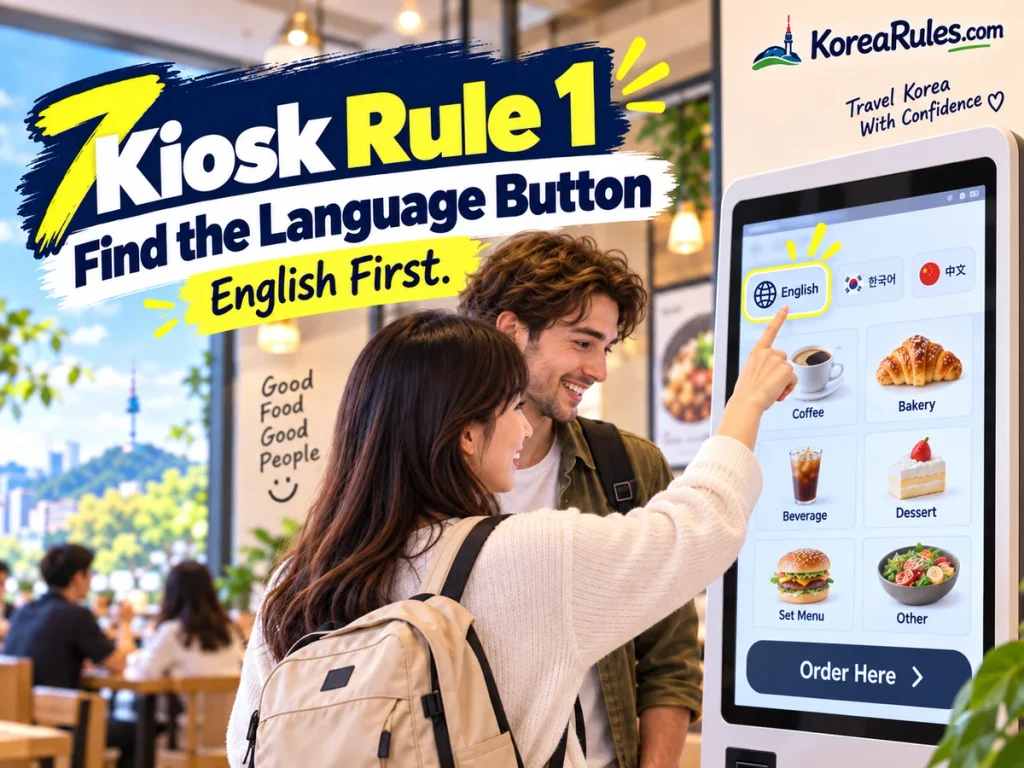
1. Look for the Language Button First
Before trying to translate every Korean word on the screen, look for a language option.
Some newer kiosks offer:
- English
- Japanese
- Chinese
- Other languages depending on the system
For example, VISITKOREA highlights self-service kiosks at major Daiso stores that support English, Chinese, and Japanese. That does not mean every kiosk in Korea is multilingual, but language support is becoming easier to find in tourist-friendly locations.
The button may appear as:
English
ENG
or a globe 🌐 icon.
If you cannot find one, do not spend several minutes randomly pressing buttons.
A translation app or quick help from staff may be faster.
English first. Then order.
2. Check Whether You’re Ordering for Here or To Go
One of the first choices on many food kiosks is whether you are eating inside or taking the food away.
You may see:
매장 — dine in
포장 — takeout
or English buttons such as:
For Here
Take Out
It is worth checking this carefully because the choice may affect packaging, pickup instructions, or how the order is prepared.
If you accidentally choose the wrong one, it is usually not a disaster.
But noticing the question at the beginning can save you from explaining the mistake later.
Dine in or takeout?

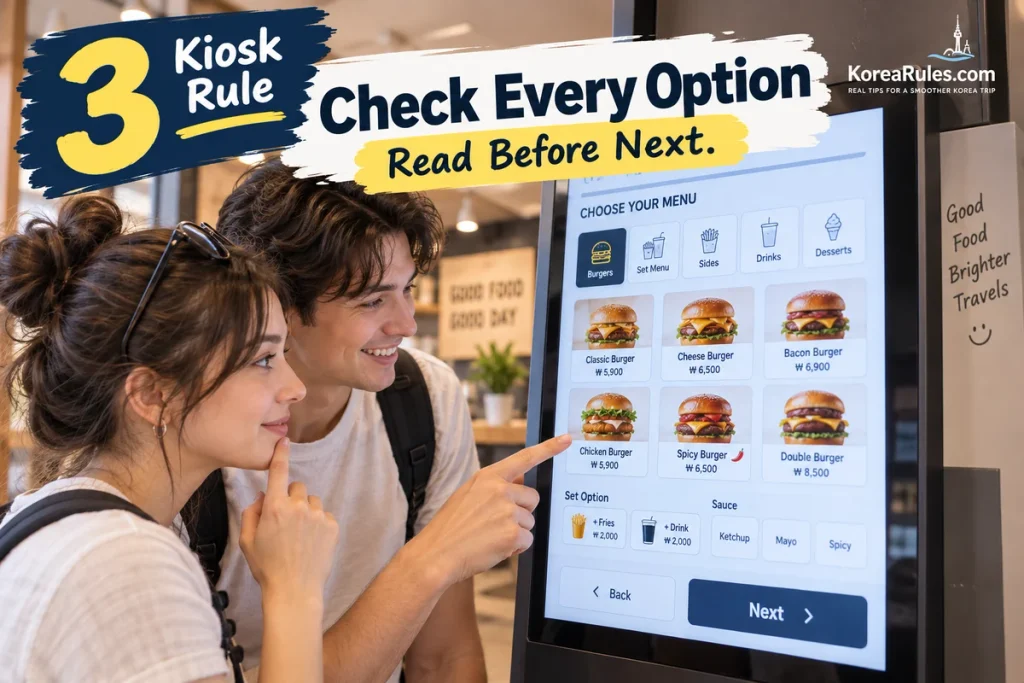
3. Read Every Option Before You Tap Next
Korean kiosks can ask more questions than you expect.
You may think you are simply ordering one item, but the next screens may ask you to choose:
- Size
- Ice level
- Sauce
- Toppings
- Side dishes
- Rice type
- Ingredients to remove
- Extra ingredients
VISITKOREA even features a personalized gimbap restaurant where customers use a kiosk to choose their rice, vegetables, toppings, and sauces before the food is prepared.
So do not tap Next automatically just because the main item looks correct.
Take a second to see whether an option is required.
Also watch for extra-cost choices.
A topping that looks like part of the standard order may actually add to the price.
Options can change the order.
4. Don’t Assume Every Foreign Card Will Work
Korea is extremely card-friendly, and major international cards are widely accepted.
But payment availability can still vary by business and payment terminal. VISITKOREA advises travelers to check service availability because not every merchant necessarily supports every card.
The same practical rule applies to kiosks.
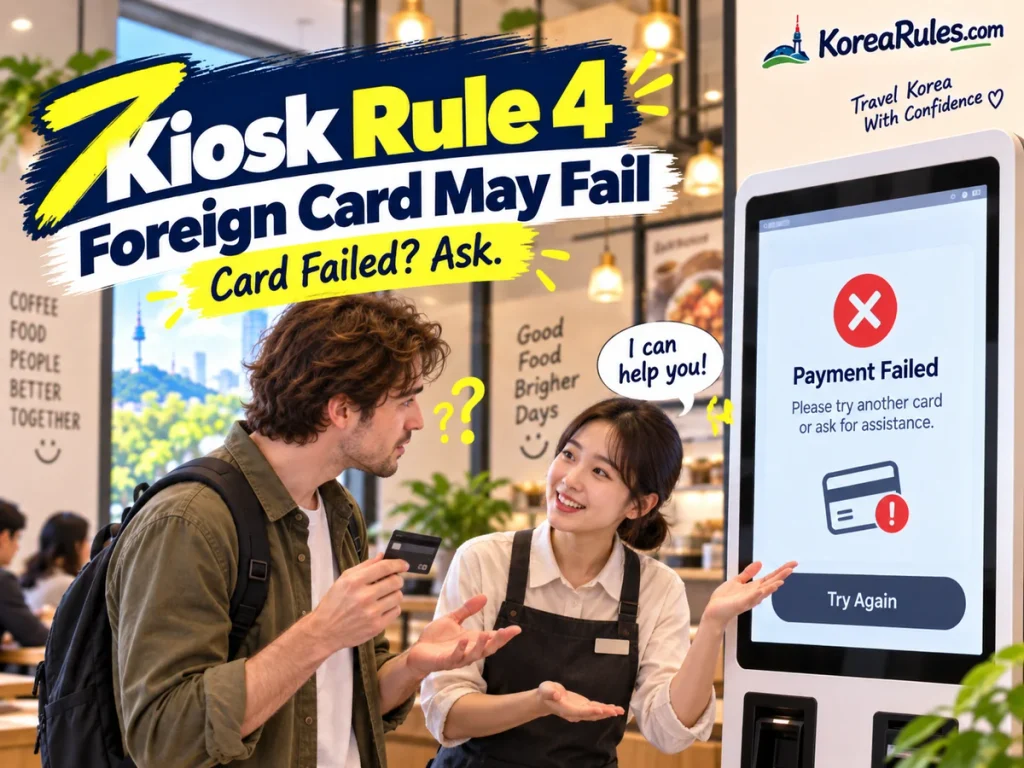
A kiosk may accept your foreign card perfectly.
Another machine may reject it even though the staffed counter can process it.
If the payment fails:
- Try the card once more carefully.
- Check whether the kiosk lists accepted payment methods.
- Use another card if you have one.
- Ask the staff rather than repeatedly retrying.
A declined kiosk payment does not automatically mean your card is unusable everywhere in Korea.
Card failed? Ask for help.
For more payment basics, see The Real Rules of Paying in Korea: 7 Things Tourists Should Know.
5. Keep the Receipt or Order Number
After payment, do not immediately throw away the receipt.
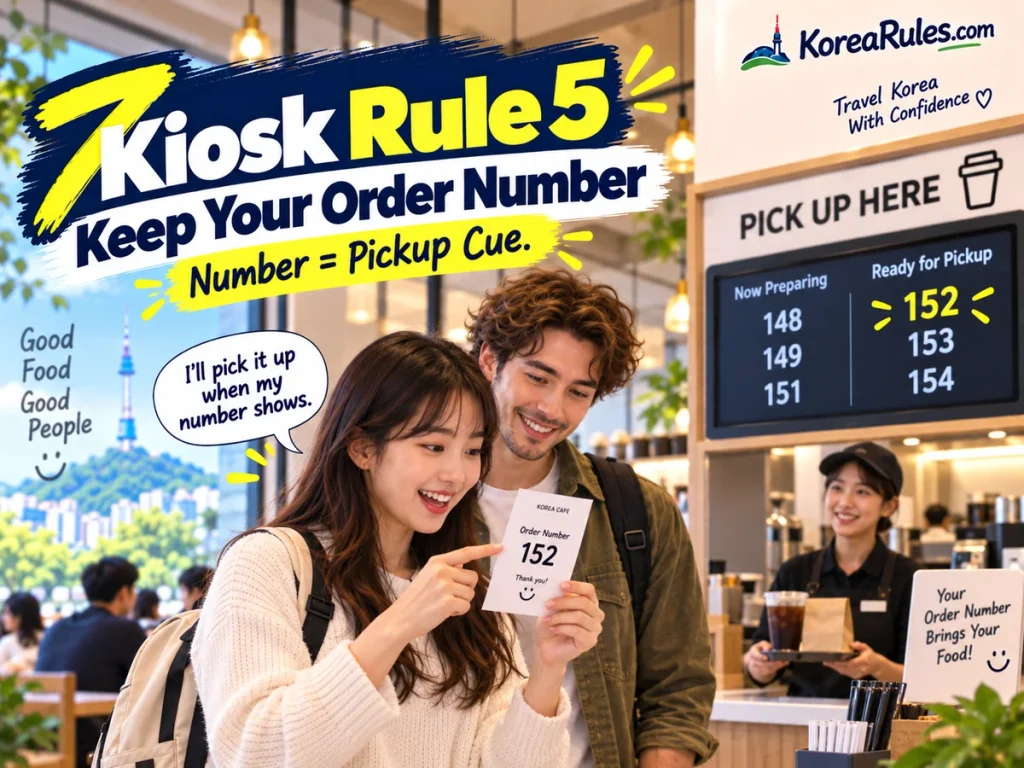
At many self-service restaurants and cafés, your receipt or screen will show an order number.
That number may tell you when your food or drink is ready.
Depending on the store, you may see the number:
- On a digital display
- On a pickup monitor
- Printed on the receipt
- Called by staff
- Shown on a pager
You do not need to understand every announcement in Korean if you know your number.
So after paying, pause for a second.
Find the number before putting the receipt in your pocket.
Order number = your pickup cue.
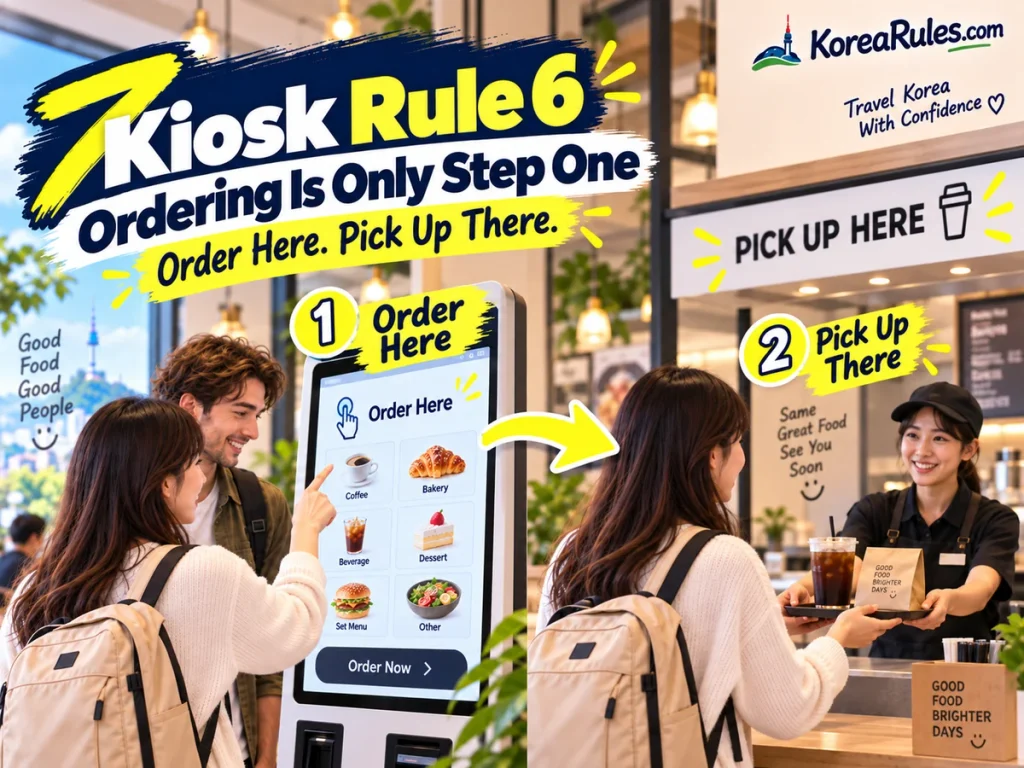
6. The Kiosk May Be Only the First Step
Paying at the kiosk does not necessarily mean the rest of the service happens automatically.
Some Korean businesses use a highly self-service flow.
For example, Seoul’s official tourism guide describes one restaurant where customers choose a table, pay at a kiosk using the table number, and then collect their own drinks and table setup.
After ordering, you may still need to:
- Wait near a pickup counter
- Watch an order-number screen
- Pick up your drink
- Collect utensils
- Take your tray
- Return the tray after eating
So once payment is complete, look around before sitting down.
The most useful clue is often what other customers are doing.
Order here. Pick up there.
This is similar to the self-service flow you may encounter in Korean cafés and restaurants. See Korean Cafe Rules Nobody Tells You for more practical examples.
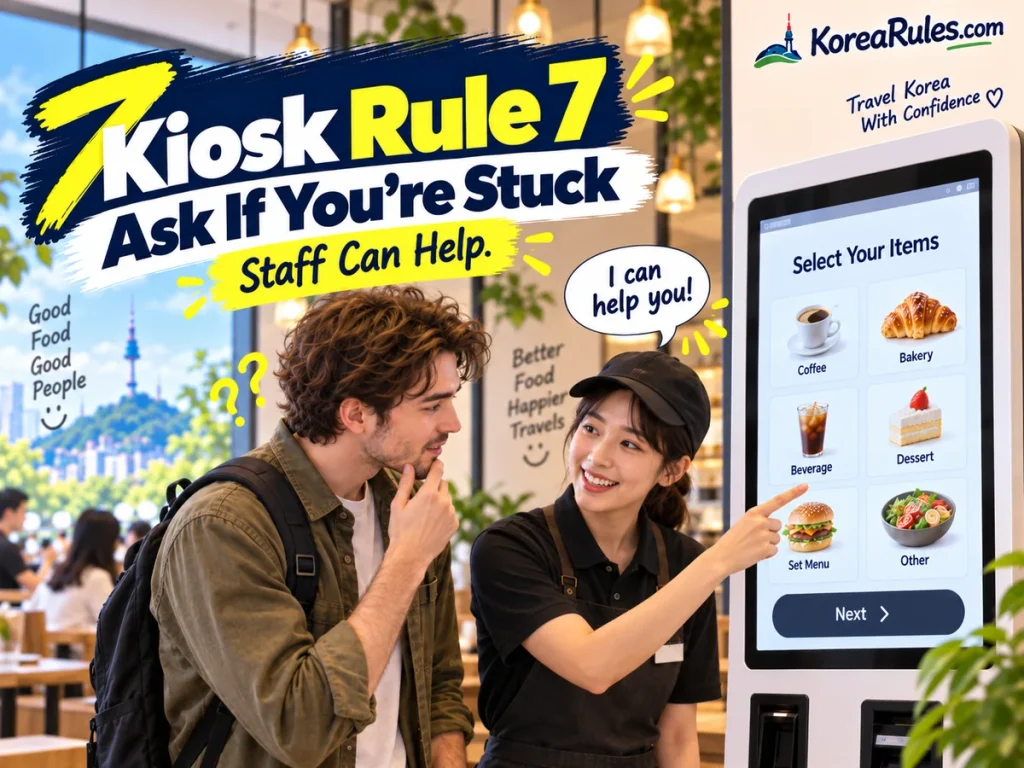
7. If You’re Stuck, Ask — You Don’t Have to Fight the Screen
A kiosk is supposed to make ordering easier.
If it is making your trip harder, ask for help.
This matters even more because kiosk accessibility has become a national policy issue in Korea. As of January 28, 2026, accessibility requirements for unmanned information terminals were expanded across businesses operating kiosks, with measures intended to make them easier to use for people with disabilities and others who may have difficulty with digital interfaces.
That does not mean every kiosk will suddenly be easy for every traveler.
But you should not feel that you must solve the machine alone.
If you are stuck on:
- Language
- Payment
- An unfamiliar option
- A frozen screen
- A confusing pickup step
look for staff.
A simple:
“Help, please?”
is usually enough to explain what you need.
Stuck? Ask for help.
Before You Start Tapping
Korean kiosks become much easier once you know the basic flow.
Remember:
- Look for a language button first.
- Check dine-in versus takeout.
- Read customization screens before continuing.
- Do not panic if a foreign card fails.
- Keep your receipt and order number.
- Look for the pickup process after payment.
- Ask staff if the screen becomes confusing.
You do not need to become a kiosk expert.
The main trick is simply to slow down for a few seconds and understand what the machine is asking before moving to the next screen.
Tap carefully. Watch the flow. Ask when needed.
Frequently Asked Questions
Do Korean kiosks have English?
Some do, especially newer systems and kiosks in tourist-friendly businesses.
But English support is not universal, so do not assume every machine will have it. VISITKOREA documents multilingual kiosk systems at some major retail locations.
What do 매장 and 포장 mean?
매장 generally means eating at the store.
포장 means takeout or takeaway.
These are useful words to recognize when ordering food.
Can I use an international credit card at a Korean kiosk?
Often yes, but acceptance depends on the business, terminal, and card.
Korea generally has very broad credit-card acceptance, but VISITKOREA still recommends checking availability at individual businesses.
Why did the kiosk ask me so many questions?
Many kiosks allow customers to customize their orders.
Choices can include size, ingredients, toppings, sauces, or other options. Some Korean restaurants even use kiosks for highly customized meals.
What should I do after paying?
Check your receipt or screen for an order number, then look for a pickup counter, order display, pager, or other instructions.
The system varies by store.
Do I have to use the kiosk if I cannot understand it?
Not necessarily.
If staff are available, asking for assistance is often the quickest solution.
Sources
VISITKOREA — Daiso Has Everything: 2025 Bestsellers
Official tourism information showing multilingual self-service kiosks with English, Chinese, and Japanese support at major Daiso locations.
VISITKOREA — Exploring the Latest Gimbap Trends
An official example of kiosk-based food customization, including choices for rice, vegetables, sauces, and toppings.
VISITKOREA — Korean Currency & Exchange Information
Official guidance explaining that credit cards are widely accepted in Korea while payment availability can still vary by individual business.
Visit Seoul — Mullae Pocha 1422
Official Seoul tourism information documenting kiosk pre-payment followed by a self-service pickup and table-setup process.
Ministry of Health and Welfare — Barrier-Free Kiosk Requirements
Official 2026 information on the nationwide implementation of accessibility requirements for unmanned information terminals.